Settings & Sensitivity for Pixel Arena
DPI, sens, graphics, and aim habits tuned for one-bullet duels.
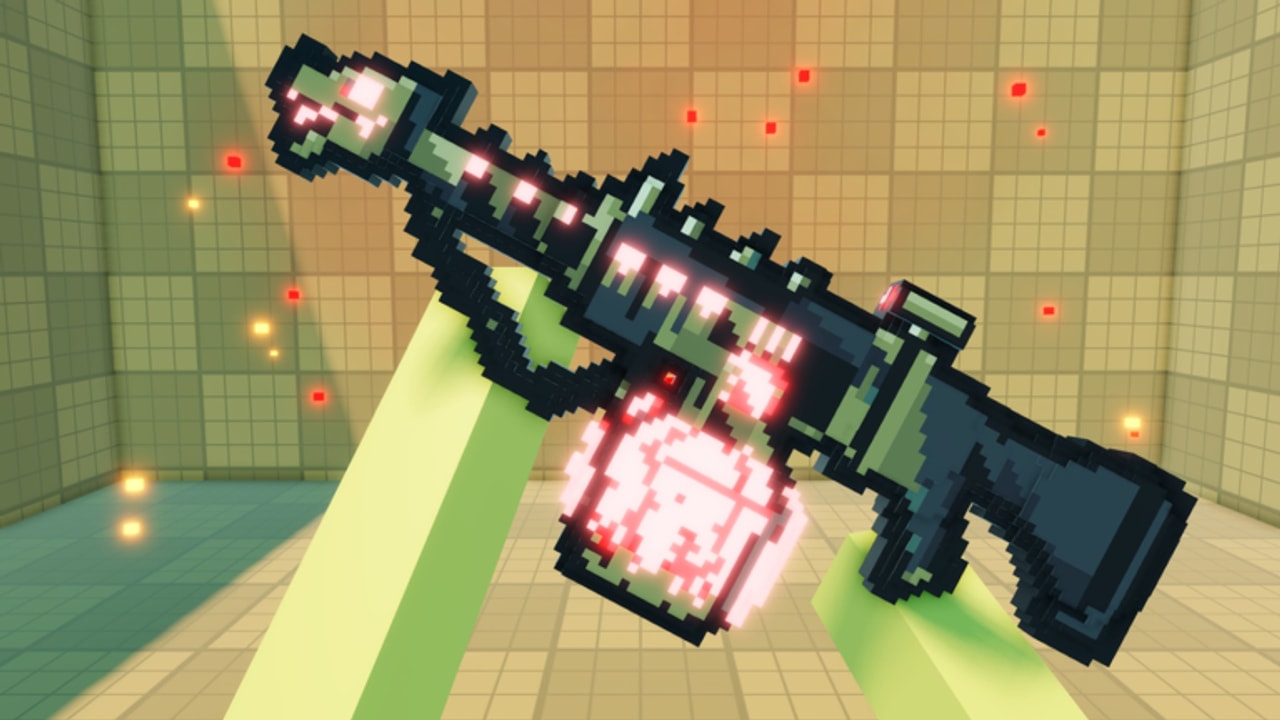
This Settings & Sensitivity Hub is the practical “tools” page for Roblox Pixel Arena. There is no external web calculator required — the tool is your settings discipline. In a mode with one bullet per magazine, unstable FPS or random sens changes cost more than a bad skin. Use this page with Controls and One-Shot Tips.
Pixel Arena (Vitamin808, max 8 FFA, formerly Block Arena) rewards consistency. Season 2 Samurai guns still fire one decisive round; tune the client so that round is aimable.
Step 1 — lock a starting sensitivity
Pick a baseline and keep it for at least three full sessions before judging it:
| Setup | Starting idea | Why |
|---|---|---|
| PC low DPI (400–800) | Medium in-game sens | Large arm flicks + micro wrist control |
| PC high DPI (1600+) | Lower in-game sens | Avoid double-fast combined sens |
| Mobile | Mid look sensitivity | Thumbs need room without spinning out |
eDPI-style thinking: if you raise DPI, lower in-game sens proportionally. Blindly maxing both makes the only bullet undrainable.
Rush vs hold sens bias
- Aggressive Rush — slightly higher sens for 180 knife turns and close tracking (Redline / Pulse).
- Sniper Hold — slightly lower sens for drag shots on long angles.
Bias is small (±10%). Do not build two extreme profiles until one foundation works.
Step 2 — graphics for frame time, not flex
Stable frames beat ultra shadows when eight players swing mid:
- Lower graphics quality until FPS feels flat.
- Disable heavy post-effects if the client allows.
- Close background overlays that hitch the Roblox process.
- On laptops, plug in power; thermal throttling ruins micro-aim.
- Mobile: landscape, low-moderate quality, cool the device between sessions.
Executor “FPS boost” scripts bundled with cheat hubs are unnecessary risk — see Scripts. Use honest settings instead.
Step 3 — FOV and camera comfort
If the experience exposes FOV or camera options:
- Too low FOV can hide rushers on your flanks.
- Too high FOV can shrink distant sniper silhouettes.
- Pick a middle value, then re-test both playstyles for one night each.
Camera mode should match how you practiced in Controls. Changing camera and sens on the same day muddies results.
Step 4 — the one-shot aim checklist
Before ranked-feeling public lobbies:
- Crosshair at head height while walking (One-Shot Tips).
- ADS only when the range calls for it — SMG hip-fire close still needs a deliberate click.
- After firing, fingers already moving to knife.
- No sens change mid-match unless hardware broke.
- Log today’s DPI + sens in a notes app if you experiment.
Simple sens ladder (use this “tool”)
Run this ladder when you feel stuck:
- Play match A at current sens — count clean first shots.
- Play match B at −10% sens — count again.
- Play match C at +10% sens — count again.
- Keep the value with the best clean-shot count, not the best K/D (K/D includes third parties and knife chaos).
- Repeat next week only if hardware or playstyle lane changed.
This ladder is intentionally boring. Boring is how muscle memory forms.
DPI myths to ignore
- “Pros all use X DPI.” — Pros use consistency. Copy process, not numbers.
- “Higher DPI = better one-taps.” — Uncontrolled flicks waste the mag.
- “I need a new mouse for Season 2.” — You need Pulse/Redline practice plans from Weapons, not retail therapy.
- “Codes fix aim.” — Codes (when they exist) fix currency, not crosshairs.
Mobile-specific tools mindset
- Reposition fire/ADS/melee so thumbs never cover the enemy model.
- Reduce look sens until 90-degree turns are controllable.
- Take shorter sessions; sweat and heat destroy precision.
- Consider a clip-on trigger if you already use one for other Roblox FPS — still practice knife UI.
After settings — spend unlocks wisely
Once sens is locked:
- Confirm lane via Players Hub.
- Steer Season 2 Samurai unlocks accordingly (Season 2 Samurai).
- Recheck Tier List so crate dreams match your aim style.
- Skim Updates after patches in case camera defaults reset.
Related pages
- Controls
- Getting Started
- Guides Hub
- Scripts — why not to “tool” with aimbots
- About This Wiki
Your real competitive tool is a stable pipeline: DPI → sens → FPS → crosshair height → knife follow-through. Tune that pipeline once, then let Season 2 cosmetics chase you — not the other way around.
Frequently Asked Questions
Quick answers about Pixel Arena codes, weapons, and one-shot play.
What is the best sensitivity for Pixel Arena?
There is no universal number. Lock a mid starting point, run the ±10% ladder for three matches each, and keep the value with the most clean first shots.
Should rush and sniper use different sens?
A small bias helps — slightly higher for rush knife turns, slightly lower for sniper drags — but master one foundation before maintaining two profiles.
Do I need an FPS boost script?
No. Lower official graphics settings instead. Executor boosts often ship with cheat hubs and carry ban plus malware risk.
Why does my aim feel worse after Season 2 unlocks?
New guns have different handling. Keep sens fixed and learn the weapon; do not blame DPI for unfamiliar ADS speeds.
What should I change first: sens or crosshair habits?
Crosshair height and fire-then-knife habits first. Sens tweaks only help after those routines exist.