How to Redeem Pixel Arena Codes
Be ready the moment a promo drops — PC and mobile steps.
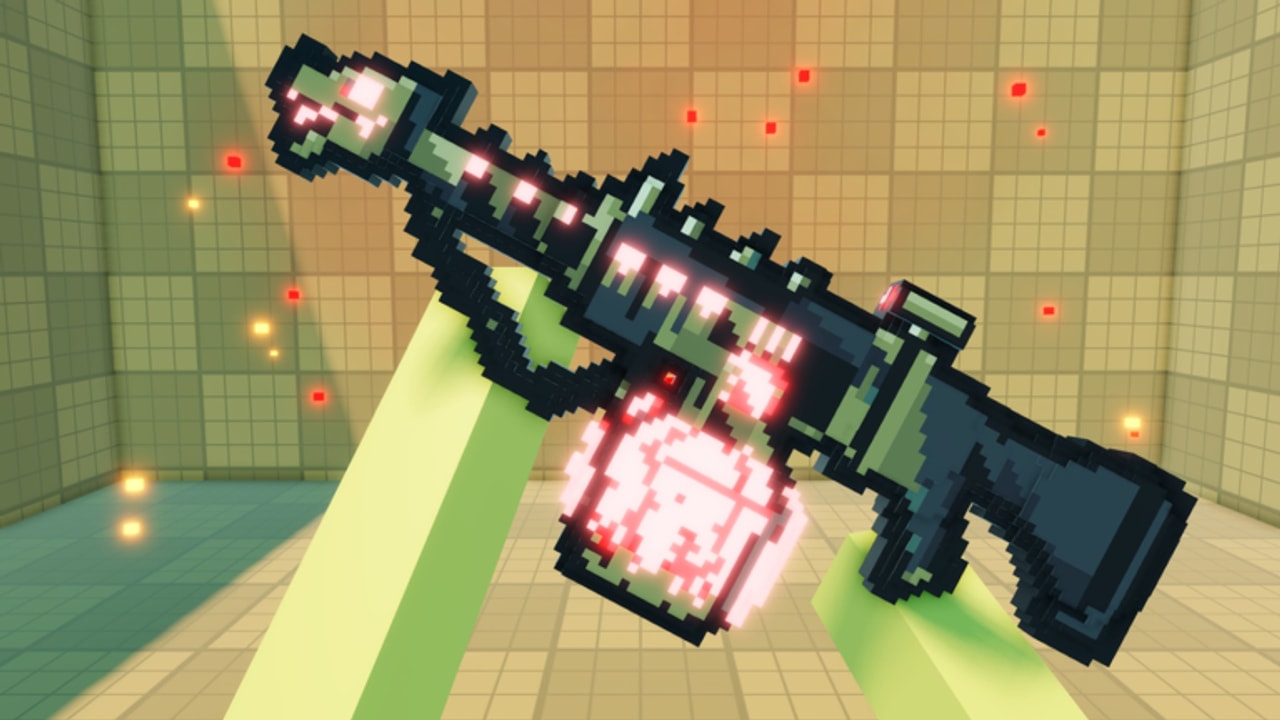
Promo codes in Roblox Pixel Arena are uncommon, but when Vitamin808 (Jznah24) releases one you want the redeem flow memorized. This guide walks through how codes typically work in Roblox experiences, what to do when the in-game Codes button appears, and how to avoid the mistakes that burn limited-time gifts. Pair it with the live list on the Codes Hub — which currently shows no confirmed public codes as of November 2026.
Pixel Arena is a free-for-all deathmatch with one bullet per magazine and a knife for close range. Codes will not aim for you, but they can speed up crates, Season 2 Samurai progress, or cosmetics while you climb the Weapons Tier List. Treat redeeming as a two-minute checklist, not a guessing game.
Before you redeem
- Launch the correct place — [FPS] Pixel Arena on Roblox (UniverseId 10769024512). Do not paste codes into unrelated games.
- Be logged into the right account — rewards bind to the Roblox user that redeems them.
- Copy the code exactly — casing and hyphens matter. Prefer copy-paste over typing from a stream overlay.
- Check expiry context — milestone codes often last days, not months. If a post is weeks old, assume it may already be dead until the Codes Hub confirms otherwise.
- Finish any mandatory tutorial or soft lock — some experiences hide shop/code UI until you spawn into a match lobby.
Typical in-game redeem steps
Roblox games place the Codes UI in slightly different spots. For Pixel Arena, expect a flow similar to this once a promo system is live:
- Join a server (max 8 players) from the official game page.
- Open the Menu, Shop, Settings, or Rewards panel from the HUD.
- Look for a Codes, Redeem, or Promo tab or text field.
- Paste the code and confirm.
- Watch for a success toast, inventory ping, or mail/rewards inbox entry.
- If nothing happens, leave and rejoin once, then try again — do not spam twenty variants.
If you cannot find a Codes button at all, that usually means no active redeem UI or the feature is gated. Return to the Codes Hub instead of inventing strings.
Mobile vs PC notes
- PC — mouse makes copy-paste easy; keep the official group post or this wiki in a second window.
- Mobile — switch apps carefully so Roblox does not background-kill the session; paste from your clipboard into the redeem field; rotate to landscape if the shop UI clips the text box.
- Console / Roblox app variants — if text entry is limited, redeem on a phone or PC session first, then play on your preferred device; inventory is account-wide.
For aim and movement bindings while you play after redeeming, see Controls and Tools.
What success and failure look like
Success: a clear confirmation message, items in inventory, Season Pass XP bump, or crate keys added. Open Weapons next if you received crate currency — Cyber Crate CELESTIAL Pulse Shotgun and Mythic NULL Dagger are the chase pieces players talk about most in Season 2.
Failure messages often mean:
- Code expired or already redeemed on this account
- Typo, extra space, or wrong game
- Region or group requirement not met
- Server desync — rejoin and retry once
Never enter codes on third-party websites that ask for your Roblox password. Redeem only inside the Roblox client or official experience UI.
After you redeem — spend smart
- Check whether the reward was currency, a crate key, pass XP, or a direct cosmetic.
- If you got Season Pass progress, skim Season 2 Samurai so you know which of the six Samurai weapons you are approaching.
- If you got crate opens, decide whether you still need competitive guns from the Tier List before chasing mythic kill effects (Katana Ring, Burst, Rail Pierce, Laser Grid).
- Warm up with One-Shot Tips — free loot does not fix panic sprays when you only have one bullet.
Troubleshooting checklist
- Restart Roblox fully after a client update.
- Confirm you are not in a private test copy of an old Block Arena place.
- Disable aggressive overlays that block HUD buttons.
- Try a low-population server if the shop fails to load under load (~8k concurrent peaks happen).
- Verify the code on the Codes Hub before assuming the game is broken.
Related pages
- Codes Hub — live list and status
- Getting Started — first-hour loop
- Updates Hub — when seasons and crates change rewards
- About This Wiki — how we verify information
Stay patient when the list is empty. An honest empty list beats ten fake codes — and when Vitamin808 ships a real promo, you will already know exactly where to paste it.
Frequently Asked Questions
Quick answers about Pixel Arena codes, weapons, and one-shot play.
Where is the Codes button in Pixel Arena?
Look under Menu, Shop, Settings, or Rewards once a promo system is active. If no Codes field exists, there may be nothing to redeem yet — check the Codes Hub.
Can I redeem the same code twice?
Almost never. Roblox experience codes are usually one redeem per account. A second attempt typically returns an already-redeemed error.
Do I need Premium to redeem codes?
Most promo codes do not require Roblox Premium, but always read the official post. Group membership is the more common requirement.
The code worked but I see no item.
Rejoin the experience, check inventory and any rewards inbox, then review Season Pass and crate key counts before opening a support thread.
Is it safe to redeem on a website?
No. Only redeem inside Roblox or the official experience UI. Sites asking for your password are phishing.